

Overview
CSV Export turns Tokenomist from a dashboard into a data backbone. Analysts can run their own models, funds can apply internal risk criteria, and developers can integrate tokenomics data directly into pipelines. With granular supply, allocation, and emission datasets available, your analysis stays both flexible and consistent. CSV Export gives you direct access to Tokenomist’s core datasets in raw, structured format. You can download token supply schedules, allocation breakdowns, emission forecasts, and valuation metrics, then integrate them directly into Excel, Python scripts, or portfolio tools. This removes the need for manual data entry and ensures faster, cleaner, and more consistent analysis across your workflows.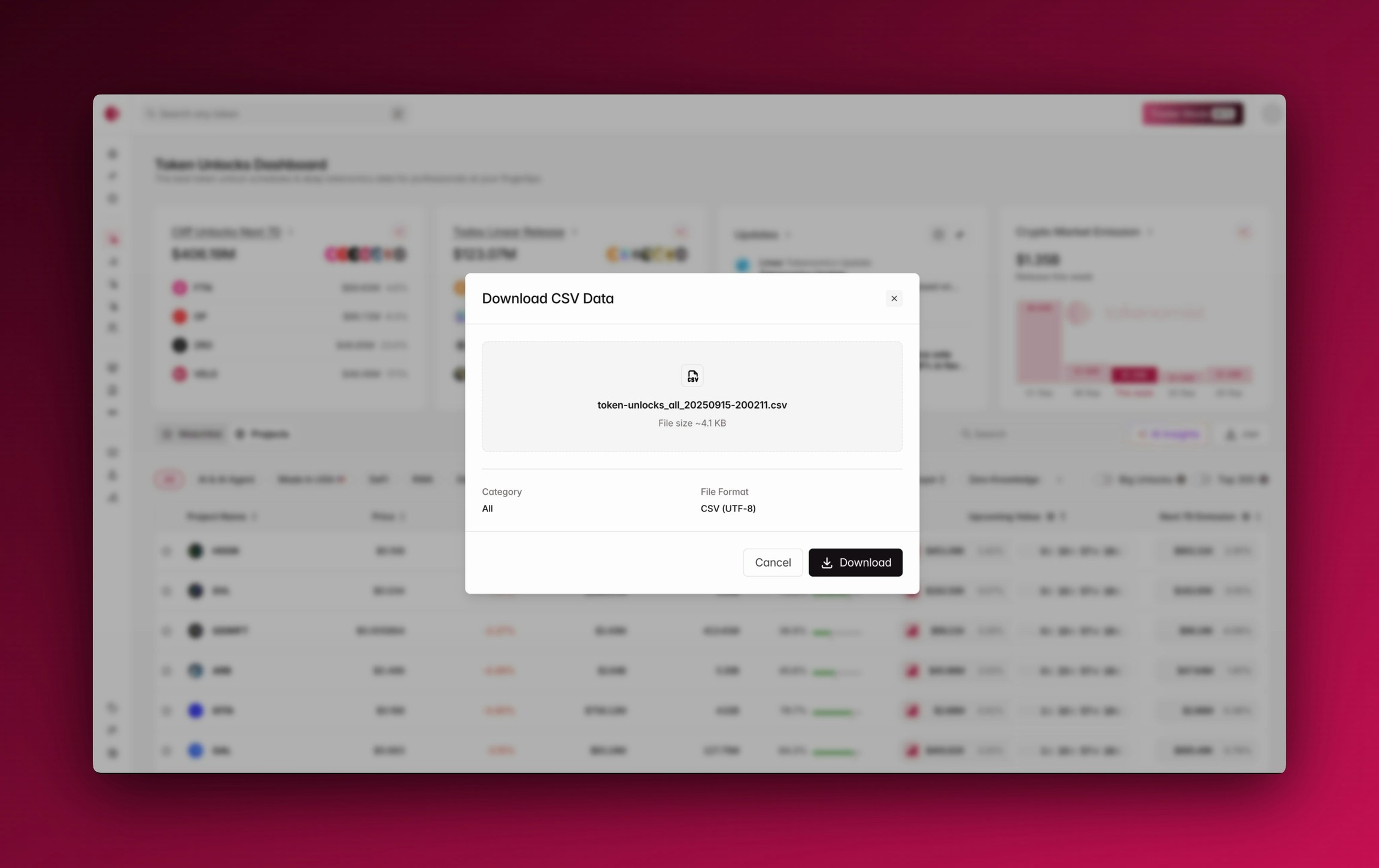
Using CSV Download
To use CSV Export, navigate to the dataset you’re interested in and apply the timeframes or filters you want. Once the view reflects your chosen parameters, simply click the .csv button to download the file.Available Dataset
Where to next
- Try export your unlocks data in Token Unlocks.