

1. Choose a plan
API access is included with the Pro, API, and Enterprise plans. Free accounts can also create and use an API key; data coverage and monthly credits depend on your plan.- Browse plans and pricing on the pricing page.
- Want to try before subscribing? Request a free trial.
- For custom timeframes, additional datasets, or commercial terms, contact consulting@tokenomist.ai.
2. Find your API key
Your key (Free accounts included) is available at tokenomist.ai/profile#my-api-key under the My API Key section. Copy it with the copy icon — if you don’t have one yet, generate it there.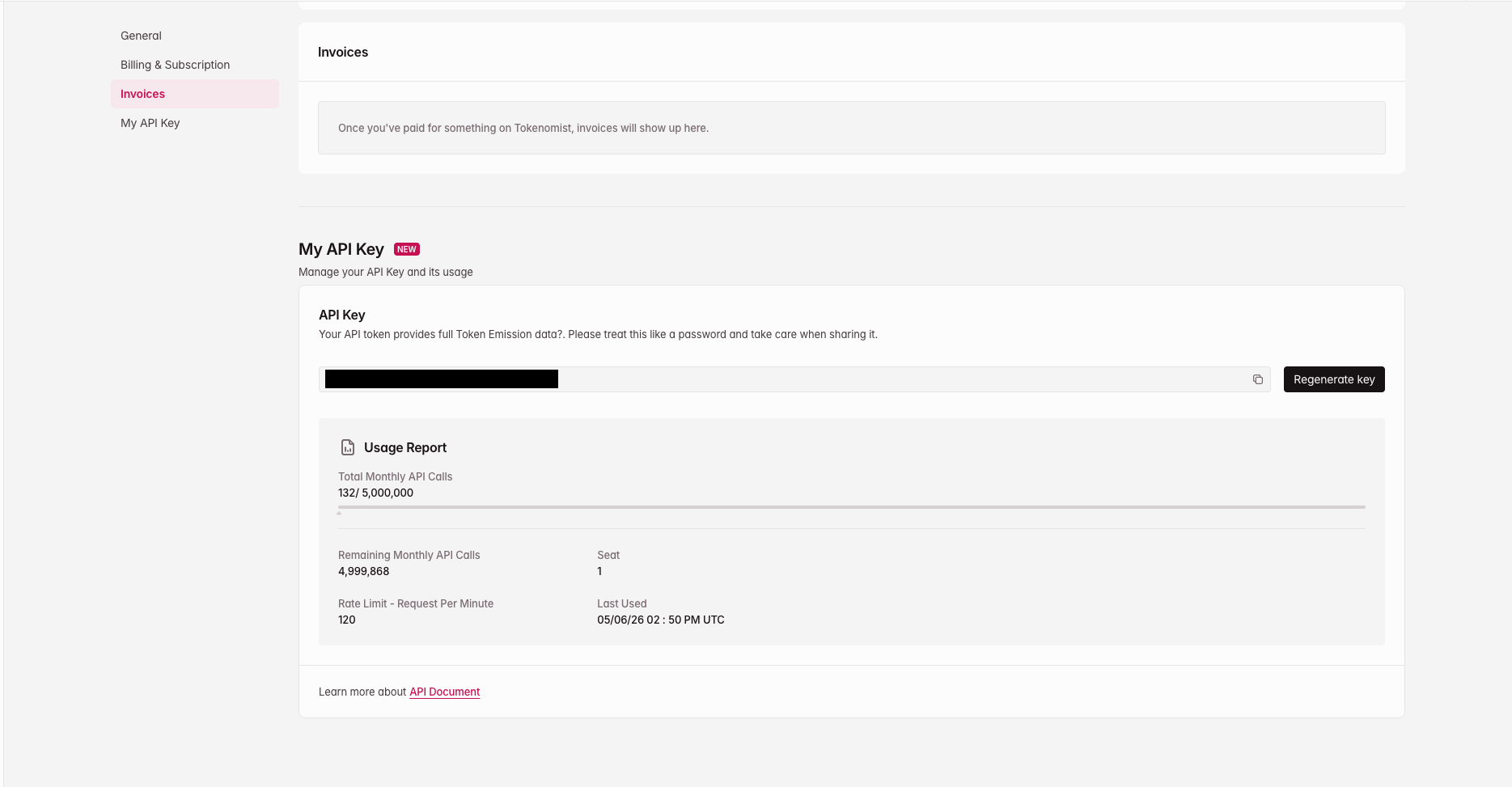
Find your API key at tokenomist.ai/profile#my-api-key
3. Make your first request
Send the key in thex-api-key header:
Start with the Token List endpoint to get a
tokenId, then use it to call the other endpoints.